
Udyam Registration Online for Indian Businesses
Udyam Registration makes it easy for eligible businesses to get official MSME recognition. The government registration fee is ₹0. LegalSewa reviews your details and provides optional consultancy support to help you complete the application through the official Udyam portal. A separate consultancy fee applies for this support.
Published On: 14 Oct, 2026
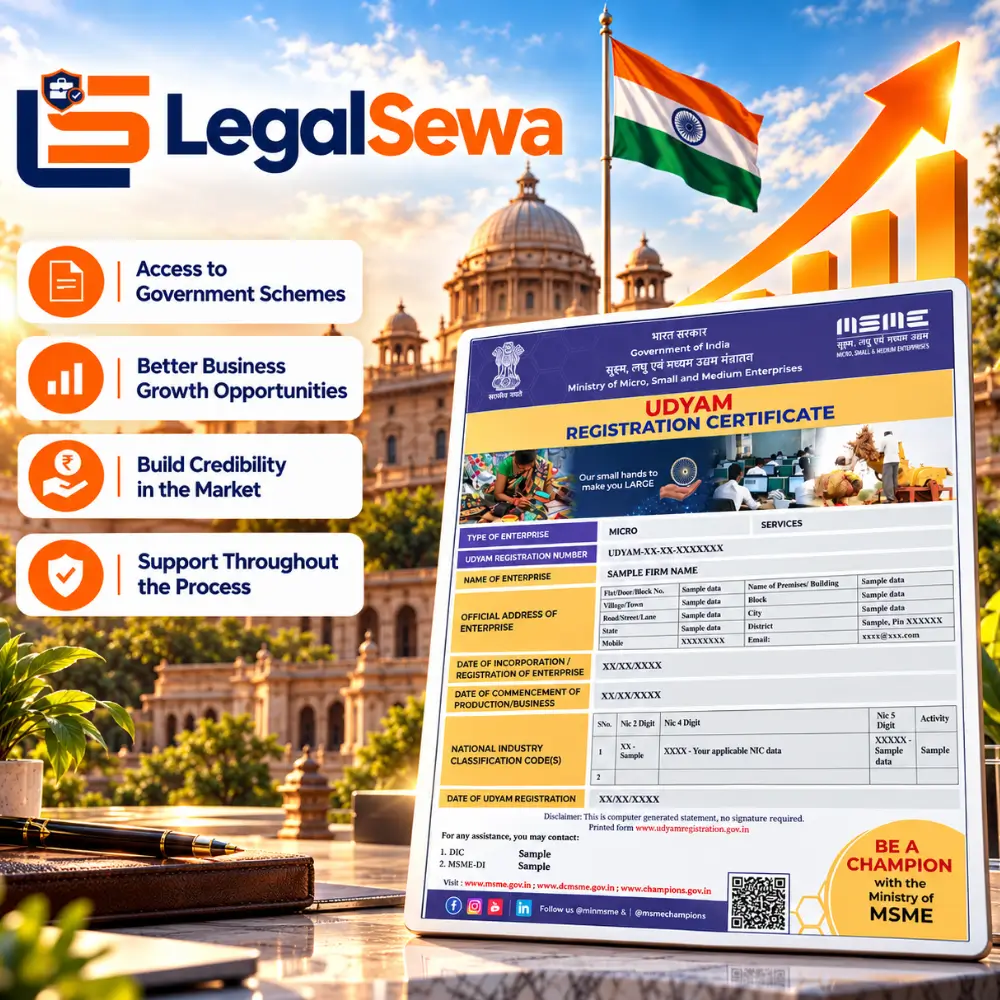
- Application Review Before Submission
- Transparent Fee Structure
- Udyam Application Assistance
- Support Throughout the Process
Udyam Registration Form
Instructions
As per Aadhaar Card.
Enter a correct mobile number.
Enter your active email address.
Select your gender.
Select your applicable category.
Enter the business name to be printed on the certificate.
Select the applicable organisation type.
Enter the correct PAN number.
Enter GSTIN if applicable.
Enter your complete and accurate business address.
Enter the date when your business started.
Enter the correct business bank account number.
Enter the correct IFSC code.
Select the main activity of your enterprise.
Provide any additional details about your business.
Enter the total number of employees.
What is Udyam Registration?
Quick ANSWER
Udyam Registration is the official online MSME registration platform introduced by the Ministry of MSME of the Government of India for eligible micro, small and medium enterprises (MSMEs). It does not require renewal. It costs zero on the government portal.
If you run a micro, small, or medium business in India, getting registered is highly important for you. This is the official MSME registration system of the Ministry of MSME, previously called Udyog Aadhaar and replaced by Udyam Registration in July 2020. As soon as the registration is completed, you get a certificate with a Udyam Registration Number and a dynamic QR code. In this process, you do not have to scan and upload a copy of any document. The application is completed online and Aadhaar, PAN and GSTIN details are automatically verified.
This is where LegalSewa helps you. Before submitting the application, our team carefully checks the details given by you to ensure that there is no mismatch – this significantly reduces the risk of rejection.
Who is Eligible for Udyam Registration?
Eligibility depends on your business type, how much you invest in plant and machinery or equipment, and your yearly turnover. Businesses that fit within the set classification limits can apply.
| Enterprise Category | Investment Limit (Plant & Machinery) | Annual Turnover Limit |
|---|---|---|
|
Micro |
Up to ₹2.5 Crore (Earlier ₹1 Cr) |
Up to ₹10 Crore (Earlier ₹5 Cr) |
|
Small |
Up to ₹25 Crore (Earlier ₹10 Cr) |
Up to ₹100 Crore (Earlier ₹50 Cr) |
|
Medium |
Up to ₹125 Crore (Earlier ₹50 Cr) |
Up to ₹500 Crore (Earlier ₹250 Cr) |
Eligible businesses, whether a proprietorship, partnership, LLP, private limited company, or OPC, can apply if they are engaged in manufacturing and services, or other eligible activities and meet the investment and annual turnover limits prescribed by the government.
ISO Certification Services We Support
An Aadhaar number is needed to complete the registration, while PAN and GSTIN details depend on the applicable requirements. Apart from this, information about bank account, investment, turnover and NIC code may also be required. There is no need to upload any document during the application.
You may need the following information while completing your Registration:
- Aadhaar details
- PAN details
- GSTIN (if applicable to your business)
- Bank account details
- Investment, turnover and NIC code of the business
Getting Registered with LegalSewa - Step by Step
Your application starts after you submit the required details and complete the service payment. LegalSewa then checks your information and takes care of the application through the Udyam process.
Send Your Information
Fill in the form with your business details and the information needed for registration
Confirm the Service
Complete the required LegalSewa payment to move your application ahead.
We Process Your Application
Our team checks the Aadhaar, PAN, and GSTIN details you provide and handles the required application work.
Certificate Shared With You
Once your registration is successful, you get your Udyam Registration Certificate online. We send it to you by email or WhatsApp.
Important Note:
You can register for Udyam in two ways: apply yourself for free on the government portal or use LegalSewa’s paid service to get help with the registration process. The government charges no registration fee, but LegalSewa charges a separate service fee.
Why Does Udyam Registration Matter for Your Business?
It gives eligible businesses official MSME recognition and may help them access applicable government schemes, financial facilities, procurement opportunities, and other business benefits, subject to the relevant rules and eligibility conditions.
Access to Eligible Credit Facilities
Eligible businesses may access applicable MSME credit facilities, subject to lender and scheme conditions.
Government Procurement Opportunities
Eligible Micro and Small Enterprises may benefit from applicable government procurement policies when taking part in eligible tenders.
Protection Against Delayed Payments
Eligible Micro and Small Enterprises can use the applicable delayed-payment mechanism when buyers do not pay within the prescribed timelines.
Government Schemes and Support
Eligible businesses may access applicable government schemes, subsidies, and other support, subject to the relevant conditions.
GeM Opportunities
Eligible businesses may sell products or services to government buyers through GeM after meeting the applicable requirements.
Registration Fees & Pricing Overview
The government fee for Udyam Registration is ₹0. If you choose LegalSewa’s optional consultancy support, a separate consultancy fee applies.
| Particular | Fee |
|---|---|
|
Government Fee |
₹0 |
|
LegalSewa Consultancy Fee |
₹1,499 |
|
Application Review & Filing Support |
Included |
Wondering why we charge a consultancy fee when the government fee is ₹0? Know how our service reduces errors in your application and saves your time.
Government Fee vs. Consultancy Fee
The Government of India does not charge any money for Udyam Registration. You can apply for free on the official Government portal.
People can make mistakes when entering business details, Aadhaar, PAN, GSTIN, or NIC Code. These errors may cause delays and may need to be corrected later.
LegalSewa is a private business registration consultancy. Before filing the application, our team checks your details carefully, finds mistakes, and assists you with submitting the application through the official Udyam portal. We also keep helping you throughout the process.
Our optional consultancy fee of ₹1,499 is for the help and support of our team. This is not a government fee – it is just a separate fee for our consultancy service.
Why should I trust LegalSewa with my Udyam Registration?
LegalSewa is a private business registration consultancy founded in 2024. We help business owners to get Udyam registration easily. Our team reviews your information, assists you with the application and walks you through the entire process until you receive your certificate.
Expert Application Review
Every application is checked carefully before submission, so that mistakes are reduced and avoidable delays can be reduced
Transparent Pricing
Government fee and consultancy fee are always quoted separately; there are no hidden charges. All pricing is clear and straightforward.
Dedicated Executive
There is a single point of contact to help you, from application review to certificate receipt.
Secure Data Handling
Your Aadhaar, PAN, and business-related information are kept secure and are used only for the registration process.
Post Registration Support
Need help even after getting an MSME certificate? Our team is available to help you with applicable updates, corrections and necessary guidance.
Which business entities can apply?
We help in the registration of different types of business entities, such as:
Proprietorship
Partnership Firm
LLP
Private Limited Company
One Person Company (OPC)
Hindu Undivided Family (HUF)
Trust (where eligible)
Co-operative Society
If your business falls within the investment and turnover limits set by the government, then our team can help you complete the registration easily and accurately.

- CONTENT REVIEWED BY
Nitish Kumar Singh reviews our Udyam Registration content to keep the information clear and accurate. He helps readers understand the registration process and the steps involved.
- Last Reviewed: 14 Oct, 2026
Frequently Asked Questions
Is Udyam Registration free of cost?
Yes, the government does not charge anything for registration. If you use LegalSewa consultancy help, that is a separate optional service fee.
Is MSME registration necessary for small businesses?
It is not mandatory for every small business. But if you are eligible, registering helps you access government schemes and benefits.
What if my application gets rejected or has errors?
LegalSewa can check your details, spot the mistake and guide you through fixing and resubmitting it.
How long does Udyam Registration take with LegalSewa?
It depends on how ready your documents are and the verification process. LegalSewa keeps things moving without unnecessary delays.
Why pay a consultancy fee when the government charges nothing?
The registration itself is free. LegalSewa’s fee is for extra help – checking documents, filing the application and guiding you through the whole process.
Ready to complete your Registration?
Our experts are ready to help you complete the registration quickly and accurately by checking your details.